Features
Exports
Export map results to CSV with preview, filters, and async job status.
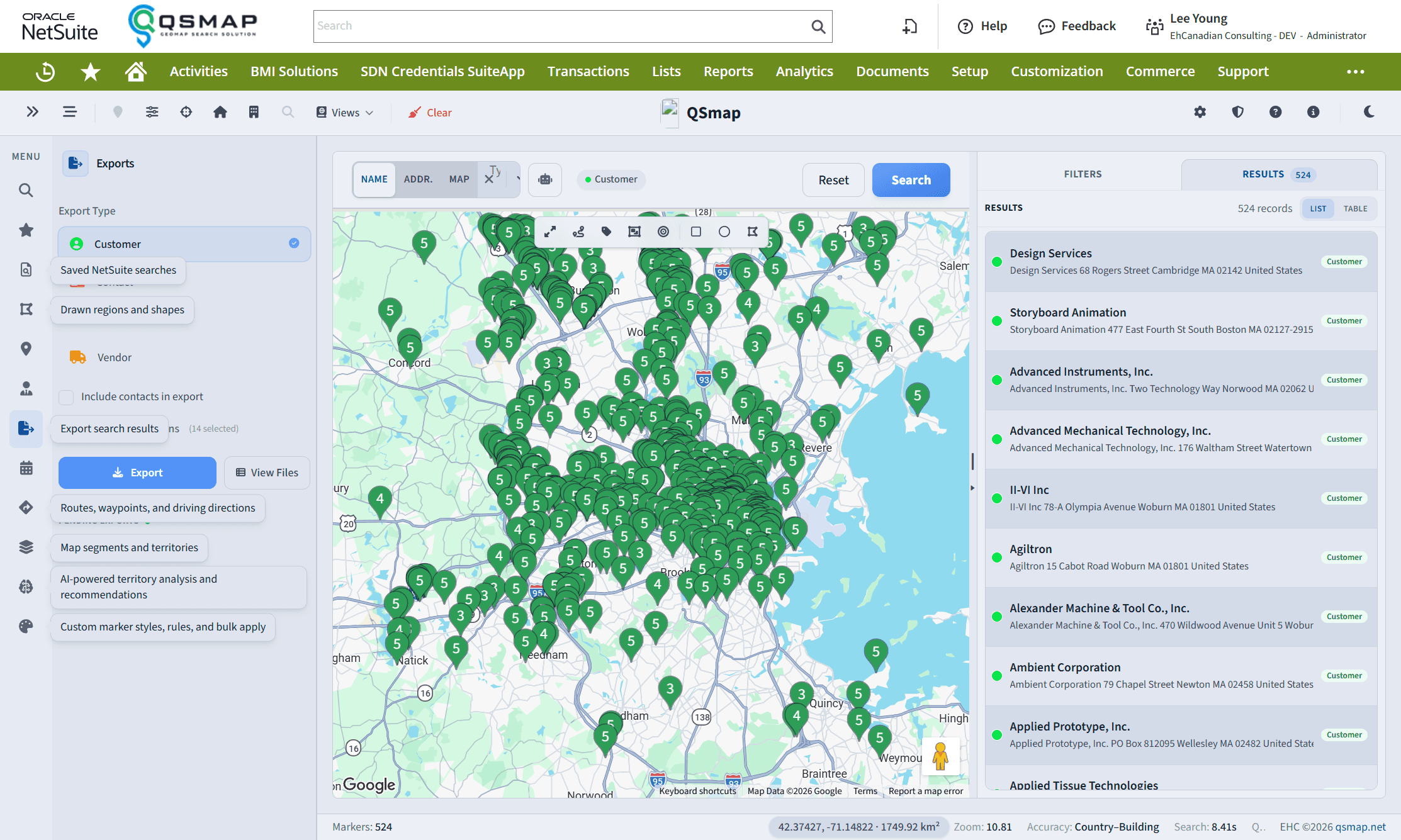
The Exports panel manages CSV exports of map/search results.
Workflow
- Run a search (Main Search, Saved Search, or another source that feeds exports).
- Open Exports.
- Configure columns / column groups as offered.
- Use preview to validate rows—optionally filter the preview by entity so you are checking one company or lead.
- Start the export and download when complete.
Options you may see
- Include or exclude contacts
- Entity-scoped preview
- Live status updates when realtime is enabled for your account
Failed or long-running jobs surface status in the panel; refresh if live updates are not configured.
Related
- Main Search
- Directions (route CSV / waypoint export)
- Administration Panel (realtime)