Searching
Main Search
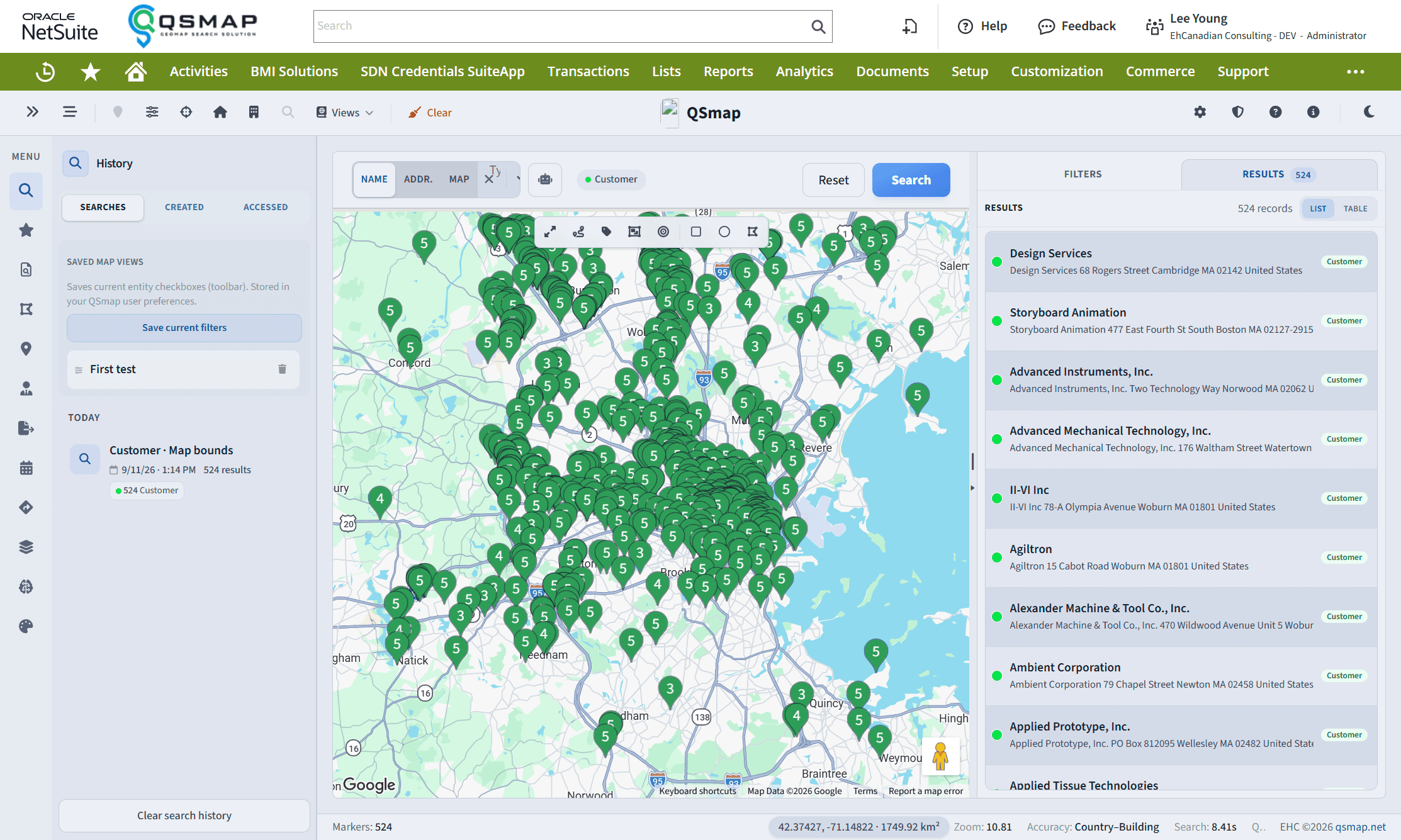
Search NetSuite entities on the map with filters, products, ZIP codes, and clustering.
Main Search is the primary way to find entities on the map. Open it from the left sidebar.
Entity types
Enable the entity types you want included, for example:
- Customer, Lead, Prospect
- Contact
- Partner, Vendor
Common filters
| Filter | Behavior |
|---|---|
| Sales rep | Limit to entities assigned to a sales rep. Optionally include inactive sales reps. |
| Category | Uses NetSuite customer category (and similar lists). Maintain list values under Setup → Accounting → Accounting Lists. |
| Custom fields | Select and checkbox fields configured in User Interface Options appear as filters. |
| ZIP / postal code | Enter one code or several. Separate with ;, ,, or spaces (e.g. 90210; 90211). Matching uses prefix (“starts with”). ZIP search ignores the current map viewport and fits results on the map. |
| Products purchased / for sale | Filter by product category for customers (purchased) or vendors/partners (for sale). |
Cluster results
When enabled, nearby markers cluster. Zooming in expands clusters. You can also force clustering after zooming past your max cluster zoom preference—see Clustering and Heatmap.
Search history
While Main Search is selected, search history is available so you can revisit recent queries.
For a known name, street address, or place, use Header Lookup instead of building a full Main Search filter set.
Related