Features
Favorites and Locations
Save favorite entities and bookmark map locations for quick return.
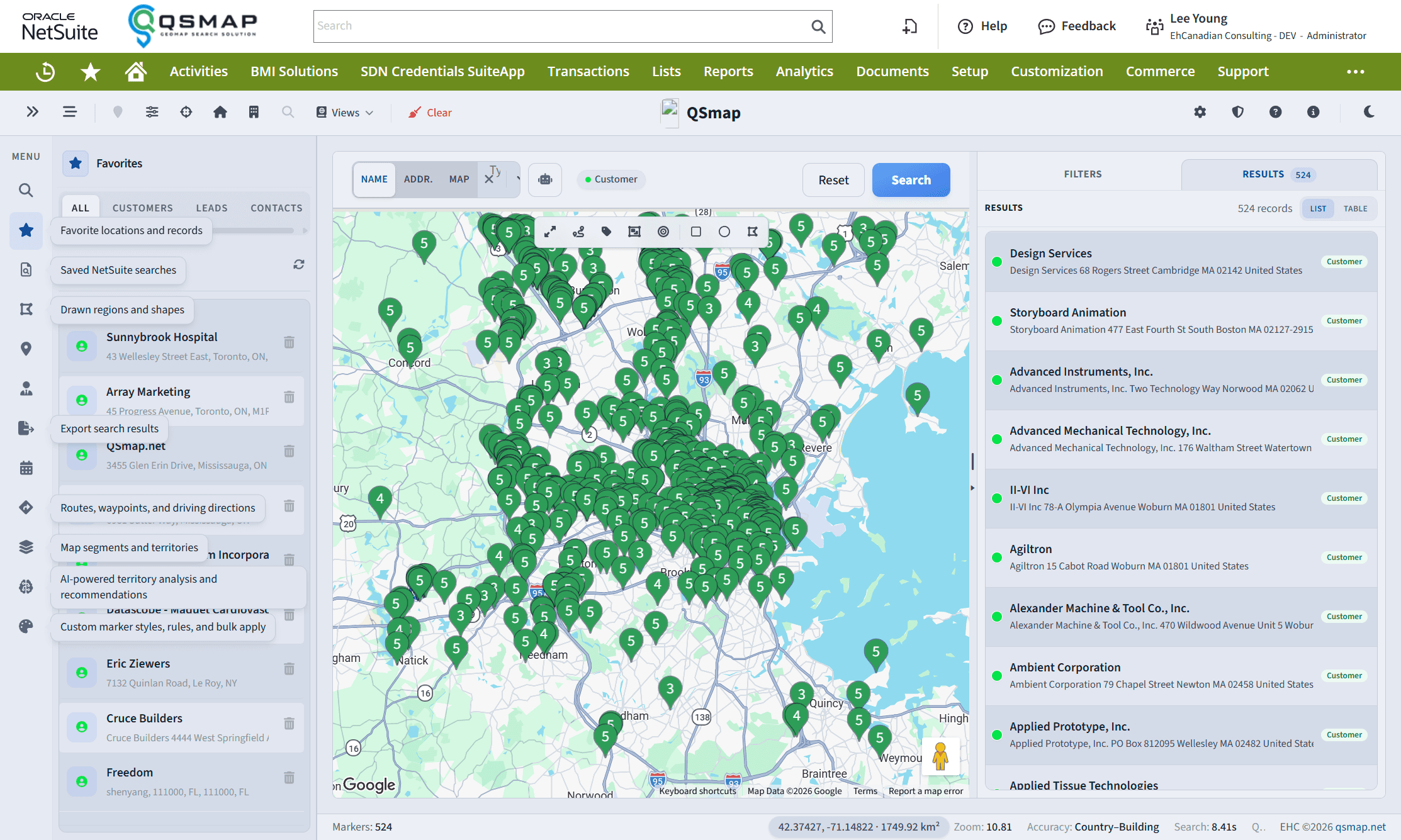
Favorites
Open Favorites in the sidebar to keep frequently used entities and locations one click away. Add or remove favorites from marker detail or the Favorites panel.
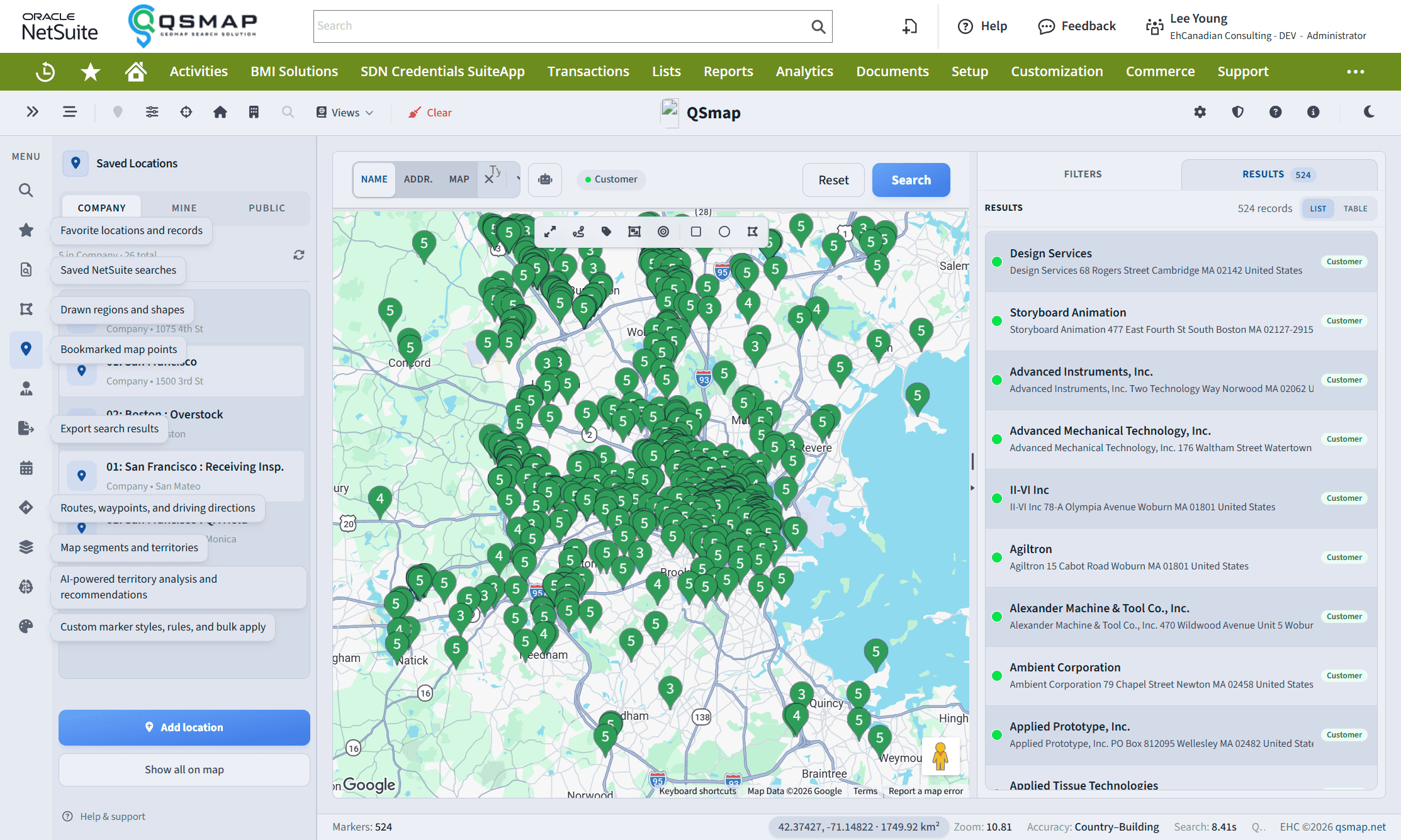
Saved Locations
Saved Locations stores bookmarked map points—including locations added by address. Use them as anchors for planning, directions starts, or returning to a place that is not an entity pin.
Tips
- Favorites are personal unless your organization documents shared favorites separately.
- Pair saved locations with Directions when building routes from known meeting points.