Mapping
Clustering and Heatmap
Marker clustering, force-cluster past max zoom, and optional density heatmap.
Clustering
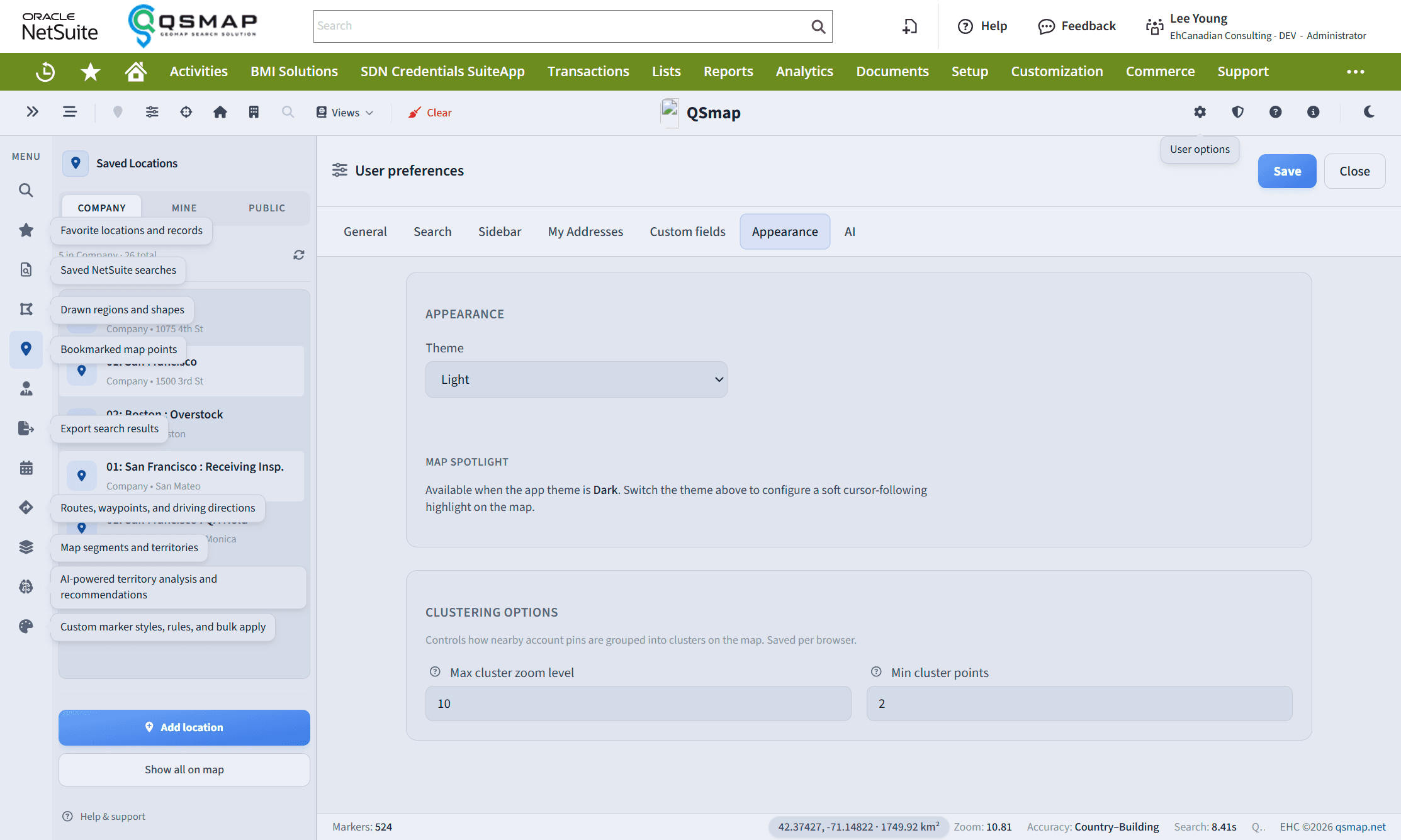
Clustering groups nearby markers so dense areas stay readable. Enable clustering in Main Search or as a default in Main Options.
Force clustering past max zoom
After you zoom in past your max cluster zoom preference, use the cluster control on the map toolbar to keep markers clustered. The control stays available while force-clustering is on so you can turn it off without zooming out first.
Heatmap
An optional density heatmap (settings / license gated) visualizes geographic concentration across accounts. Use it to spot coverage gaps and hotspots; switch back to pins for record-level work.
If heatmap or multi-layer controls are missing, your plan may not include them—confirm with an administrator.
Related