Mapping
Marker Styles
Custom pin shapes, colors, rules, and bulk apply for map markers.
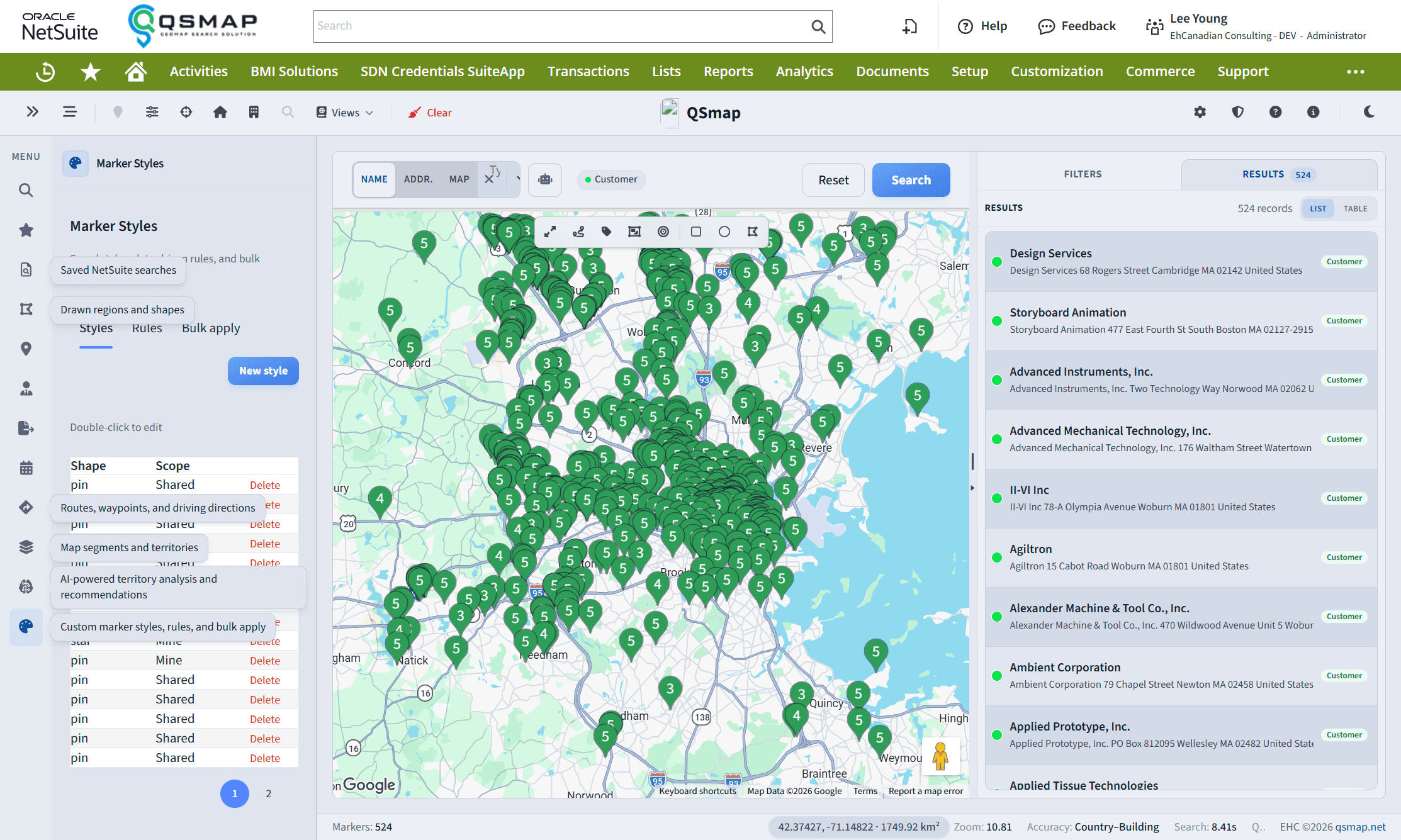
Marker Styles lets your organization customize how pins look—shapes, colors, and sizes—and apply those styles with rules or manual overrides.
Concepts
| Approach | Use when |
|---|---|
| Reusable styles | You want a library of pin looks |
| Rules | Auto-apply by entity type, status, custom field, etc. |
| Per-entity override | One customer needs a special pin |
| All addresses for an entity | Every address for a record shares one style |
| Bulk apply | Admins apply styles across many records |
Who can edit
Creating, editing, rules, and bulk apply usually require administrator or elevated permissions. Most users still see custom markers even when they cannot edit styles.
Open the Marker Styles panel from the sidebar when it is enabled in your UI preferences and license.
Related