General
Overview
What QSmap for NetSuite does and who the documentation is for.
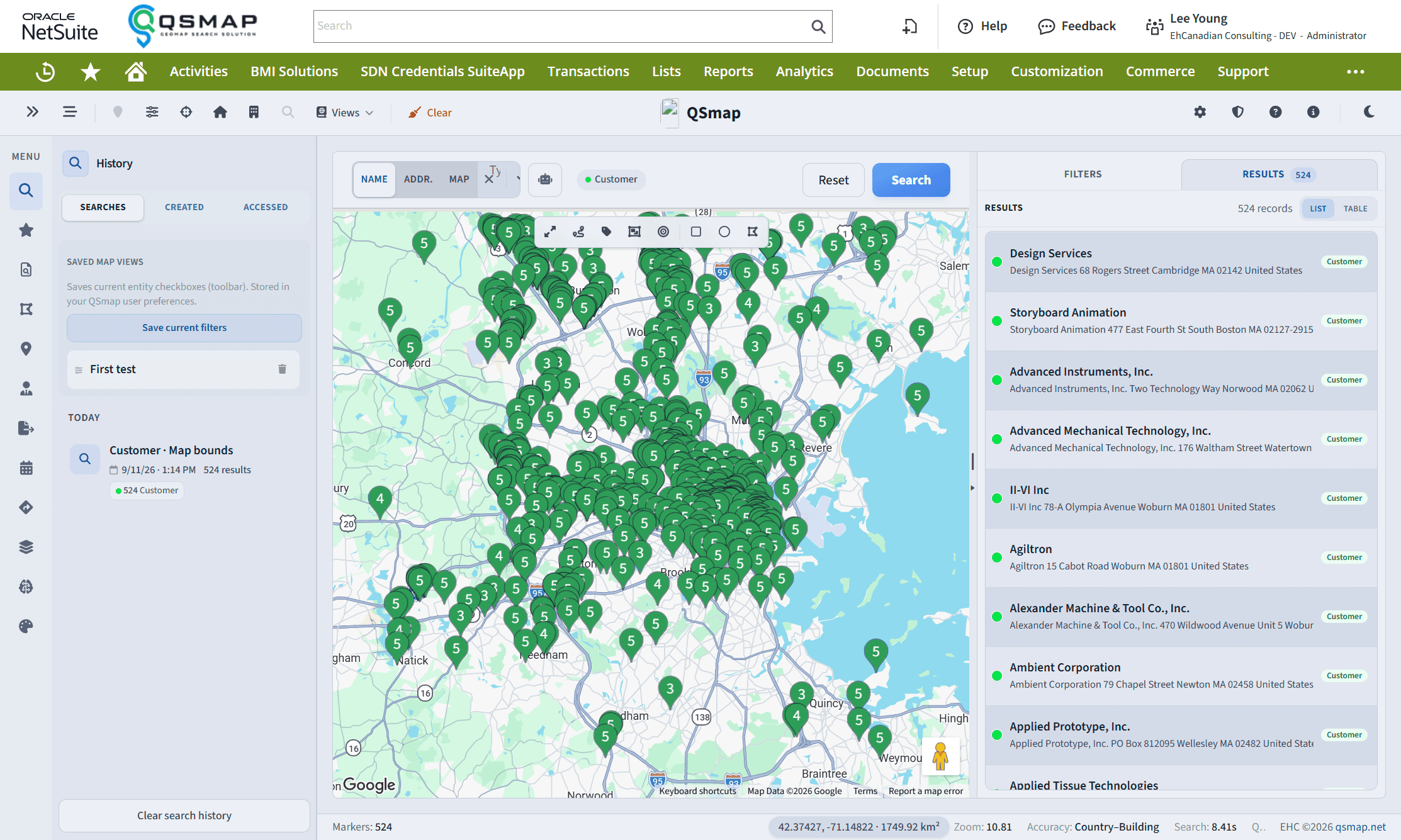
QSmap for NetSuite provides map-based searching and territory tools for your NetSuite data. As a Built for NetSuite SuiteApp, map results surface associated Account and Contact details and link back to those records. You can export results, save regions and segments, plan routes, and (where your subscription allows) use AI-assisted insights.
Audiences
| Audience | Typical tasks |
|---|---|
| NetSuite administrators | Install the SuiteApp, set geocoding preferences, manage licenses and billing, configure AI and realtime options |
| All users | Open QSmap, search the map, draw regions, run saved searches, plan directions, export lists |
Core capabilities
- Geographic search — customers, leads, prospects, contacts, partners, and vendors with filters (sales rep, category, ZIP/postal, products, custom fields)
- Saved searches as map layers — run one or more NetSuite saved searches as colored layers
- Regions and segments — draw and save territories; Premium features may include geographical segments
- Directions — multi-stop routes with email/SMS and CSV export
- Exports — async CSV exports with preview
- Marker styles — custom pin shapes, colors, and rules (where permitted)
- AI Insights — territory analysis when configured by your organization
A designated Administrator must install the SuiteApp. After install, QSmap geocodes entity addresses so they can appear on the map. Trial accounts typically start with a capped geocode allowance (for example 1,000 entities during a 30-day trial). Production geocoding runs in daily batches—allow enough time for large accounts to finish coding.